If You’re Still Relying on Photoshop, You’re Probably Wasting Time
Let’s cut to it: traditional Photoshop is bloated, expensive, and overkill for 80% of the design tasks your team actually needs. If you’re a scaling founder or operator, that’s time and money lost. The good news? A new wave of online Photoshop alternatives is rewriting the rules—bringing fast, collaborative, and cost-effective design to remote teams everywhere.
Here’s your shortcut to the best online photo editing tools that deliver real results—without the Adobe price tag or complexity.
Why Founders Are Moving Beyond Photoshop
High-growth businesses run lean. You need tools that match that mindset. Here’s what today’s best online graphic design tools offer:
Faster Onboarding, Zero Training Time
Most alternatives are built for non-designers with intuitive drag-and-drop editors, pre-built templates, and mobile-friendly interfaces. Your VA can hit the ground running—no hand-holding required.
Web-Based, Lightweight, and Secure
Forget installations. These tools work from any browser. Whether your VA is in Sydney or Cebu, everyone’s editing in real-time—no lag, no downloads.
“Design tools should enable creativity—not complicate it. Great software is invisible in the process.”
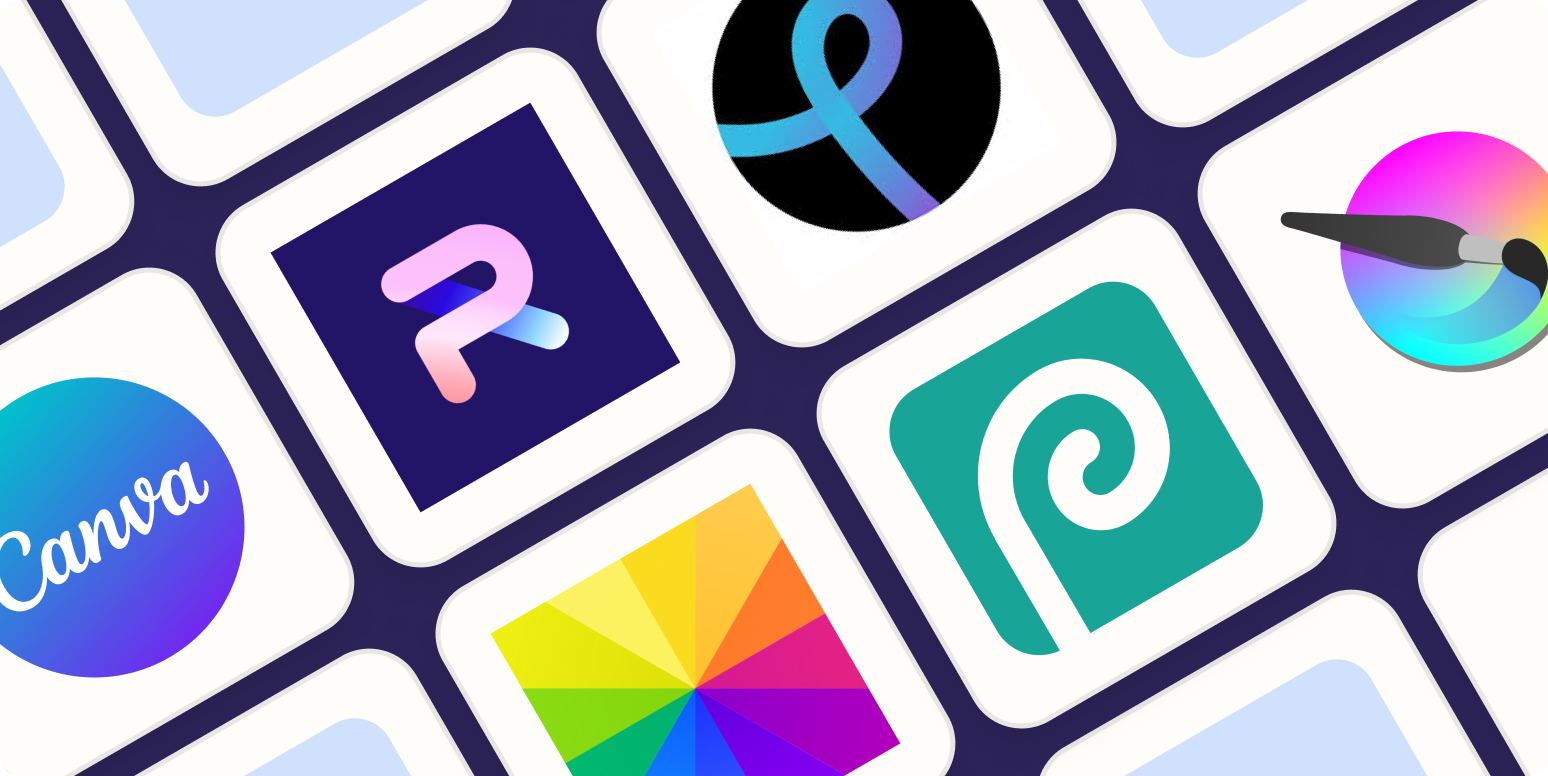
The Best Online Photoshop Alternatives for Remote Teams
1. Canva
The gold standard for remote-first teams. Templates, brand kits, animations, social media presets—done. Pro version unlocks even more power.
Use it for: Social media graphics, pitch decks, email banners
Why we love it: Integrates with tools like Slack, Dropbox, and HubSpot
2. Photopea
Looks like Photoshop, acts like Photoshop—but it’s free and runs in your browser. Handles PSD, XD, and other pro file types.
Use it for: Layered editing, PSDs, advanced image corrections
Why we love it: It’s the closest thing to Photoshop, minus the subscription.
3. Adobe Photoshop Express
Adobe’s own lightweight version. Ideal for quick fixes—auto-enhance, filters, crop, and share.
Use it for: Simple, high-quality edits fast
Why we love it: Familiar UI with less friction
4. Pixlr X
Clean interface, powerful tools, and no login required. Great for last-minute edits or on-the-go tweaks.
Use it for: Resizing, background removal, light retouching
Why we love it: Fast, slick, and doesn’t hog your memory
5. BeFunky
All-in-one platform for photo editing, graphic design, and even batch editing. Excellent for scaling design work across campaigns.
Use it for: Marketing campaigns, multi-image workflows
Why we love it: Time-saving batch tools
Bonus: Other Notables
- Polarr – AI-powered enhancements with deep feature sets
- Pablo by Buffer – Great for scheduling-ready social graphics
- SumoPaint – Old-school feel, strong brush tools
- YouCam Editor – For beauty or ecommerce brands needing AI enhancements
- PicMonkey – A sweet spot between beginner ease and pro flexibility
- Sketch App – Ideal for UI/UX wireframes and fast prototyping
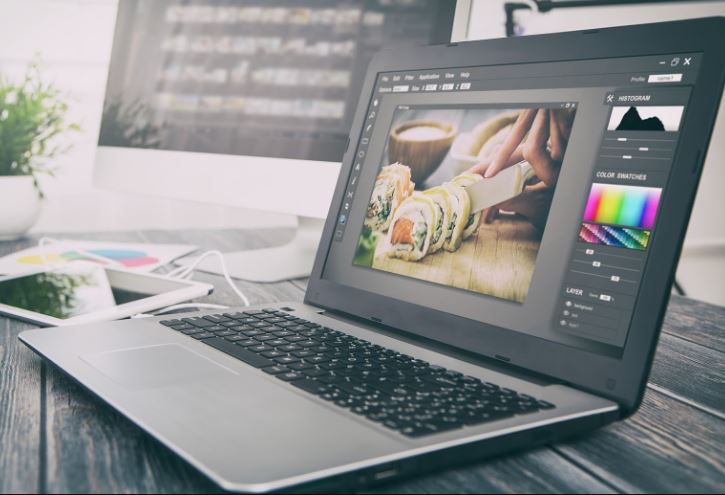
Real Benefits for Time-Poor Founders and Operators
Security & Cloud Sync
Work is saved in the cloud—ideal for VAs working across time zones. No local saves, no lost progress.
Cost-Smart Options
Many top-tier tools have generous free tiers. Canva Pro, PicMonkey, and others offer plans under $15/month—less than lunch in Sydney.
Social-First Outputs
Most tools export in formats optimised for Instagram, LinkedIn, Pinterest, and more. No resizing headaches, ever.
Built for Collaboration
Your VA, marketer, and designer can work on the same file in real-time—without clogging up your inbox.
“Good design isn’t just beautiful—it’s fast, repeatable, and on-brand every time.”
How to Choose the Right Tool
Not all design tools are built equal. Here’s how to narrow it down:
- For social content churn? Canva, Pablo, or BeFunky
- Need Photoshop features without the bloat? Photopea or Pixlr X
- Want AI-enhanced workflows? YouCam or Polarr
- Working with designers or UX teams? Sketch or Adobe Express
Match your needs to your bandwidth. Don’t pay for bells and whistles your team won’t use.
Final Thoughts: Your Best People Deserve Better Tools
Design shouldn’t be a bottleneck. With the right online Photoshop alternative, your team can create, collaborate, and ship visuals faster—with zero friction. Whether you’re handling social, sales decks, or internal comms, these tools bring enterprise-grade capability to scaling teams without the enterprise overhead.
At The Virtual Hub, we know your best people should be spending their time on strategic work—not stuck inside legacy design software. We help growing businesses implement tools, systems, and elite support layers that multiply output without burning out your team.
Ready to stop overpaying for design tools and start scaling smarter?